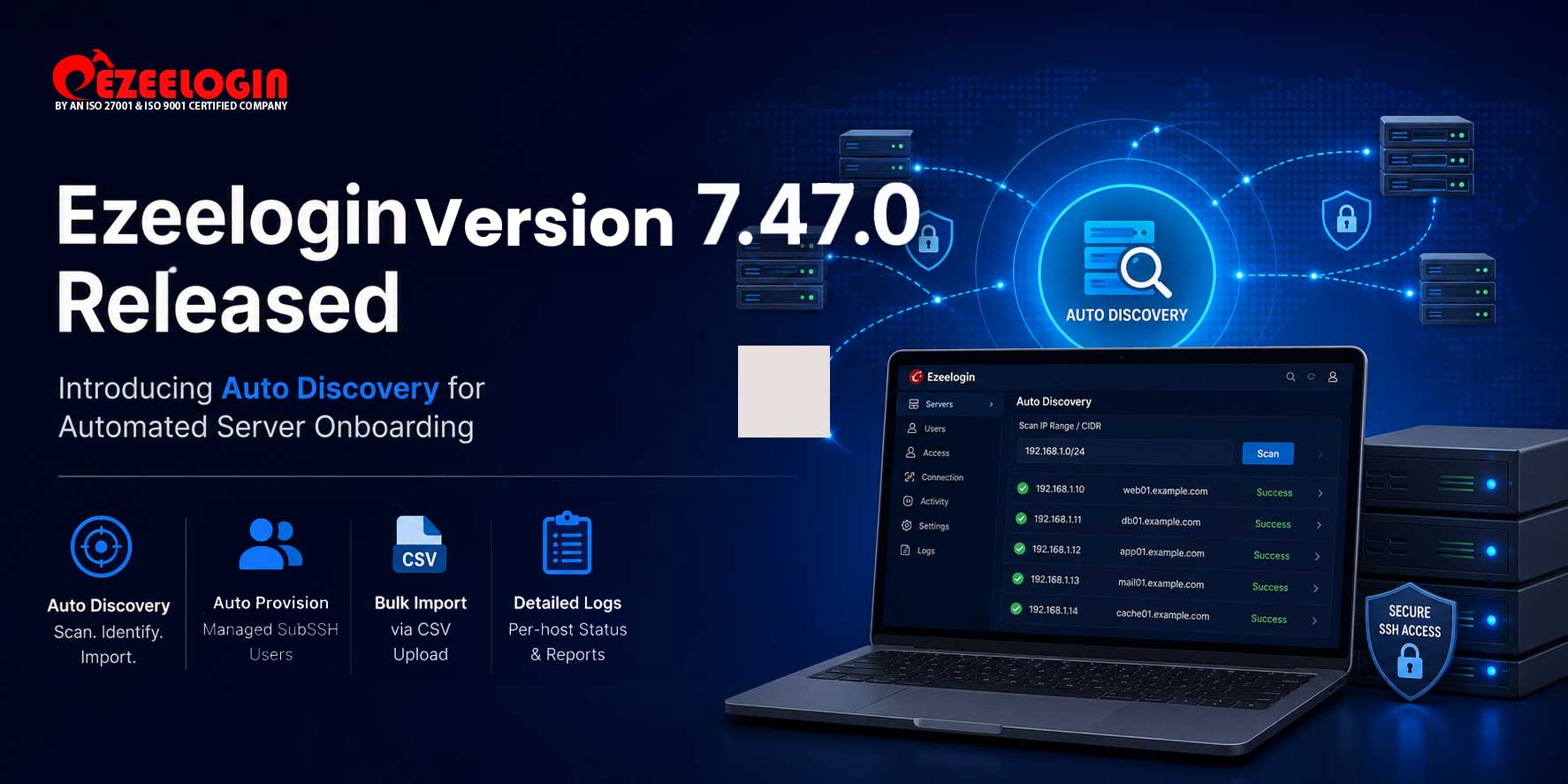
We’re pleased to announce the release of Ezeelogin Version 7.47.0, introducing Auto Discovery — a powerful new feature that automates bulk server onboarding directly from your network.
NEW FEATURES
1. Auto Discovery
Instead of adding servers one by one, Auto Discovery lets you define an IP range or CIDR block and automatically scan, identify, and import all reachable SSH hosts in a single operation.
- Scan any IP range or CIDR block and automatically add all reachable SSH hosts as managed servers — no manual entry required
- Schedule discovery runs via cron to onboard new servers automatically as they come online, daily, weekly, or monthly
- Managed SubSSH users are automatically provisioned on every newly discovered server at the time of import
- Bulk-create discovery profiles in one step using CSV upload via the Import Auto Discovery screen
- Monitor every scan run in detail via Auto Discovery Logs — per-host status, hostname, IP address, timestamp, and failure reason all recorded
Prerequisite: Auto Discovery requires API to be enabled before use. Navigate to Servers → API, enable both Enable API and Server API, and select the target server group before running your first discovery scan.
2. 2FA Timeout Configuration
Configure the validity period for two-factor authentication (2FA) requests. This feature allows administrators to define how long a 2FA request remains active, helping organizations enhance security while maintaining a seamless authentication experience for users.
Upgrade Note
- Auto Discovery is available from Ezeelogin version 7.47.0 onwards
- Refer to the Upgrade Guide below for step-by-step instructions before updating
- We recommend taking a full backup of your Ezeelogin installation before upgrading
REFERENCES
Thank you for choosing Ezeelogin. We hope Auto Discovery saves your team significant time on server on-boarding. As always, our support team is available via Live Chat or the Helpdesk if you need any assistance.
Warm regards,
Ezeelogin Team