Meet SOC 2 CC6 access control requirements with Ezeelogin

SOC 2 requires proof that privileged access to your systems is controlled, monitored, and auditable. Ezeelogin’s centralized SSH gateway gives you and your auditor exactly that evidence.

Ezeelogin Evidence Demo
SOC 2 · CC6 · CC7 · CC9 · A1
EVIDENCE READY
EZEELOGIN · ACCESS CONSOLE
SERVERS UNDER GATEWAY1,284 +12 this week
SESSIONS RECORDED (24H)8,431 100% coverage
SSH Session Recording
● LIVE
🔐 MFA
🔒 RBAC
⏺ Session Record ·
📄 Logs
🛡 Password Integrity
🛡 IAM
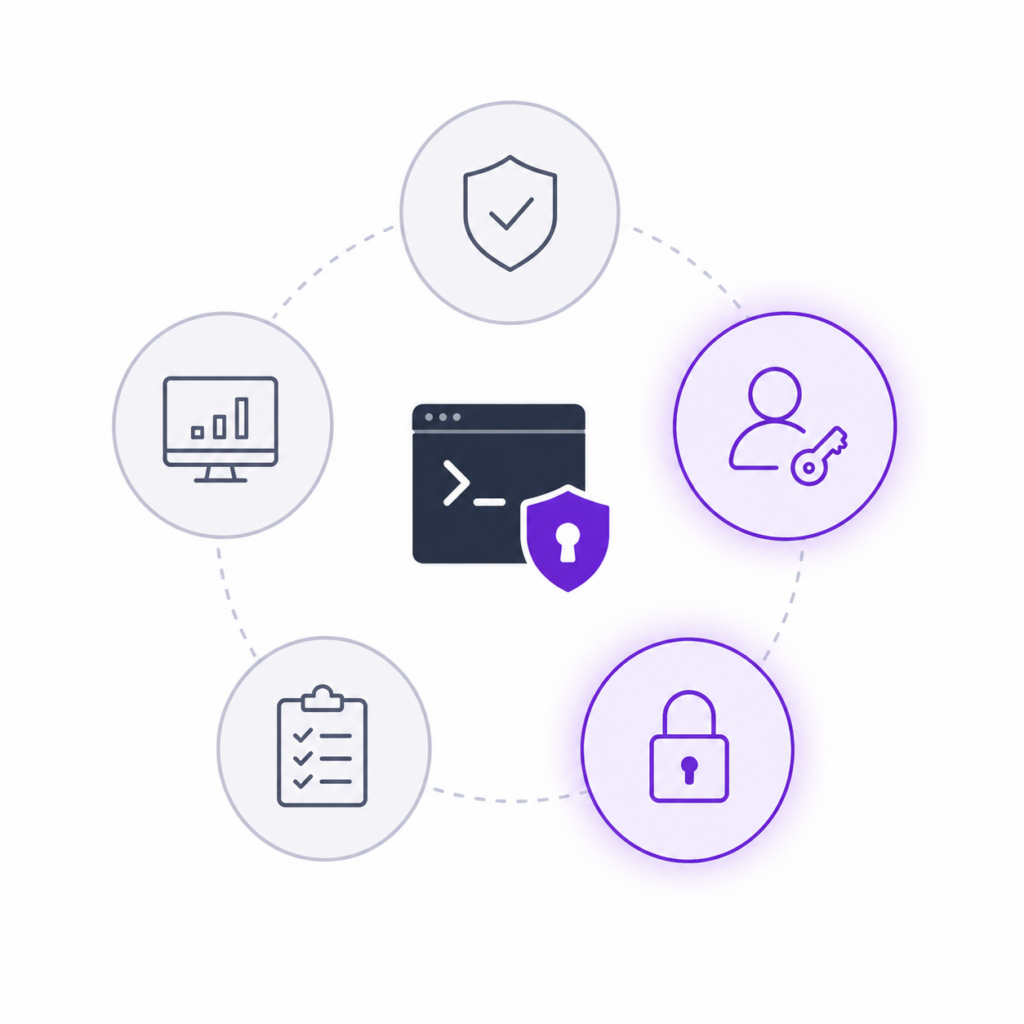
Maps directly to

SOC 2 Security Principle

SOC 2 Availability Principle

Confidentiality Controls

Self-Hosted · No Third-Party Data Exposure

Important distinction

Ezeelogin is not itself SOC 2 certified — it is a privileged access control tool that helps your organization's IT infrastructure satisfy SOC 2 Security and Availability criteria. Think of it as a control you implement, not a certification you inherit.

What is SOC 2?

Five SOC 2 principles. Two where SSH access plays a direct role.

SOC 2 reports evaluate whether a service organization’s controls meet the Trust Services Principles defined by the AICPA. Each principle has specific criteria that auditors test. Ezeelogin’s controls map most directly to Security and Availability — the two principles most affected by how privileged server access is managed.
Security

The system is protected against unauthorized access — both physical and logical. This is the most commonly evaluated principle.

Ezeelogin directly addresses this

Availability

The system is available for operation as committed. User access management and monitoring are key controls here.

Ezeelogin directly addresses this

Processing Integrity

System processing is complete, accurate, timely and authorized. Primarily relevant to transactional processing environments.

Partial relevance

Confidentiality

The system is protected against unauthorized access — both physical and logical. This is the most commonly evaluated principle.

Ezeelogin directly addresses this

Privacy

Personal information is collected, used and destroyed in conformity with GAPP. Applies when PII is processed for users.

Indirect relevance

Criteria mapping

SOC 2 Access Control Requirements Mapped to Ezeelogin Capabilities

When your auditor evaluates privileged access controls under SOC 2, these are the specific questions they ask. Here’s how Ezeelogin answers each one.

SOC 2 Criterion
What the Auditor Checks
How Ezeelogin Satisfies It
Evidence
CC6.1
Logical access controls
Are controls in place to restrict logical access to systems to authorized users only?
Centralized SSH gateway enforces access through one control point. No direct server access without Ezeelogin authentication. RBAC limits each user to their permitted servers only.
SSH GatewayRBAC
Policy + logs
CC6.2
New access provisioning
Is access granted based on authorization? Is least-privilege applied?
Admins provision users with granular server-level permissions. Groups and roles enforce least-privilege by default. No lateral access possible beyond defined scope.
User ProvisioningLeast Privilege
Access records
CC6.3
Access removal on termination
Is access removed promptly when employment or engagement ends?
Single-action user revocation removes access across every managed server simultaneously — no manual key removal, no missed servers, timestamped removal event in the audit log.
Instant RevocationAudit Log
Timestamped log
CC6.6
Unauthorized access prevention
Are controls in place to prevent unauthorized access including MFA at sensitive boundaries?
MFA enforcement at the gateway level — Google Authenticator, Duo, or YubiKey — applies universally. No SSH session can be initiated without passing gateway authentication.
MFA EnforcementYubiKey / TOTP
Policy + config
CC7.2
Monitoring for anomalies
Is privileged activity monitored? Are anomalies detected and investigated?
Every SSH sessions is recorded, timestamped, and replayable. Admins can review sessions by user, server, or date. Sudo command logs provide command-level visibility.
Session RecordingCommand Guard
Session records
CC9.2
Vendor / third-party access
Is third-party access (contractors, vendors) appropriately controlled and monitored?
Create scoped accounts for external parties with access limited to specific servers and time windows. All activity recorded. Revocation is instant when engagement ends.
Scoped AccessSession Recording
Access + session logs
A1.1
Availability controls
Are availability commitments supported by controls? Is capacity monitored?
HA cluster configuration ensures the gateway remains available. Master-slave failover is automatic. System health and access uptime are monitored and logged.
HA ClusterAuto-failover
Config + uptime
C1.1
Confidentiality protection
Are confidential systems protected from unauthorized access? Is access scoped appropriately?
Self-hosted deployment ensures no session data, credentials, or audit logs leave your infrastructure. RBAC scopes each user to permitted servers only.
Self-HostedData Sovereignty
Architecture docs
SOC 2 Control Features

SOC2 access controls auditors look for, built in from day one

Centralized SSH gateway

All SSH access routes through a single, auditable control point. No direct server connections. The system boundary SOC 2 auditors need to see is clearly defined and enforceable.

CC6.1 Security

Role-based access control

Least-privilege access enforced at the user, group, and server level. Every permission grant is documented. Access reviews are straightforward because the access model is centralized.

CC6.2 Provisioning

Full session recording

Every SSH session is recorded, timestamped, and replayable. Auditors get irrefutable evidence of who accessed what, when, and what they did — without any manual logging effort.

CC7.2 Monitoring

MFA at the gateway

Multi-factor authentication enforced universally at the SSH gateway — Google Authenticator, Duo, or YubiKey. No user can bypass it. Auditors can verify enforcement in a single configuration export.

CC6.6 Unauthorized access

Instant access revocation

Remove a terminated user's access to every server in a single action. The removal is timestamped in the audit log — giving auditors the prompt deprovisioning evidence SOC 2 CC6.3 requires

CC6.3 Termination

Tamper-evident audit logs

Access logs, session records, and privilege changes are automatically generated and stored. Export directly for auditor review — no manual compilation, no gaps, no risk of post-hoc modification.

CC7.2 Evidence

HA cluster for availability

Master-slave HA configuration ensures automatic failover if the primary node goes down. Demonstrates operational controls for the Availability principle — system uptime is a committed, supported outcome.

A1.1 Availability

Sudo command control

Whitelist or blacklist specific commands per user or group. Prevents unauthorized privilege escalation on managed servers — a commonly tested control under both Security and Availability principles.

CC6.6 Privilege control

Self-hosted deployment

Master-slave HA configuration ensures automatic failover if the primary node goes down. Demonstrates operational controls for the Availability principle — system uptime is a committed, supported outcome.

A1.1 Availability

Audit scenarios

What your SOC 2 audit looks like — with and without Ezeelogin

These are actual SOC 2 audit scenarios involving privileged access. The difference in your audit prep time is significant.
CC6.3
TERMINATION CONTROLS
"Show me evidence that terminated employees' access was removed promptly."
WITHOUT EZEELOGIN

you compile SSH key removal records from multiple servers, hope nothing was missed, and explain why there's no timestamp on individual removals.

WITH EZEELOGIN

export the revocation log. It shows the admin action, the affected user, every server impacted, and the exact timestamp — in one report.

CC6.6
MFA enforcementS
"Demonstrate that MFA is enforced for all privileged access to production systems."
WITHOUT EZEELOGIN

you attempt to prove MFA is configured on every individual server and every individual user — a patchwork that's hard to evidence comprehensively.

WITH EZEELOGIN

show the gateway MFA policy. It's enforced at a single control point — all sessions pass through it, no exceptions, auditor-verifiable in minutes.

CC6.6
MFA enforcementS
"Demonstrate that MFA is enforced for all privileged access to production systems."
WITHOUT EZEELOGIN

you attempt to prove MFA is configured on every individual server and every individual user — a patchwork that's hard to evidence comprehensively.

WITH EZEELOGIN

show the gateway MFA policy. It's enforced at a single control point — all sessions pass through it, no exceptions, auditor-verifiable in minutes.

CC6.6
Privileged activity monitoring
"How do you monitor and detect anomalous privileged access activity?"
WITHOUT EZEELOGIN

you rely on server-level syslog aggregation, which is incomplete, inconsistent across environments, and rarely reviewed systematically.

WITH EZEELOGIN

every session is recorded and searchable. Pull the full session history for any user, server, or date range instantly. Replayable video-style recordings available on request.

CC6.6
Third-party access
"How is third-party and contractor access to production systems controlled?"
WITHOUT EZEELOGIN

contractors have SSH keys that may outlive their engagement, with no central record of what they accessed or when their access was removed.

WITH EZEELOGIN

contractor accounts are scoped to specific servers, all sessions recorded, and access is revoked in a single action at engagement end — with a full audit trail throughout.

Getting started

SOC 2 SSH controls operational in under an hour

Self-hosted on your own infrastructure. No cloud dependency. Every control in scope from day one.

Install on your server

Run the installer on any Linux server. Typically under 10 minutes on a standard VPS.

Onboard servers & users

Add servers and users. Assign RBAC permissions. Enable MFA. Group by client, environment, or role.

Export for your auditor

When audit time comes, export access logs, session records, and user provisioning history in one action.

All sessions recorded

From the first login, every session is logged and replayable. Your audit evidence starts accumulating immediately.

Getting started

SOC 2 is one of several frameworks Ezeelogin supports

The same access controls, session recordings, and audit logs that satisfy SOC 2 Security criteria also map to requirements in PCI-DSS, ISO 27001, HIPAA, and NIST — giving you compliance coverage across multiple frameworks from a single tool.
SOC 2

PCI-DSS 3.2

ISO 27001

HIPAA

NIST

GDPR

SOX

Common questions

SOC 2 questions we hear from hosting companies

No single tool makes an organization SOC 2 compliant — compliance requires implementing controls across multiple areas. What Ezeelogin does is satisfy a significant portion of the privileged access control requirements under the Security, Availability, and Confidentiality principles. Your auditor will still need to evaluate your full control environment, but Ezeelogin closes the SSH access management gap comprehensively.

The strongest mappings are CC6.1 (logical access controls), CC6.2 (access provisioning with least privilege), CC6.3 (access removal on termination), CC6.6 (unauthorized access prevention via MFA), CC7.2 (privileged activity monitoring via session recording), CC9.2 (third-party access management), and A1.1 (availability through HA cluster). The criteria mapping table above details exactly what evidence each control provides.

Yes. SOC 2 auditors evaluate the design and operating effectiveness of controls — they need to see that controls exist, are consistently applied, and generate evidence of operation. Ezeelogin’s tamper-evident audit logs, timestamped session recordings, and access provisioning records are exactly the type of evidence auditors rely on. We recommend discussing the specific log format with your auditor before fieldwork begins.

Significantly — in a good way. SOC 2 requires a clear system boundary description. Because Ezeelogin is self-hosted on your infrastructure, all session recordings, access logs, and control evidence remain within your defined system boundary. There is no subservice organization to account for, no third-party data processing to address, and no carve-out method required.

Yes. If you manage servers for clients who are themselves pursuing SOC 2, you become part of their system boundary. They will likely need evidence that their hosting provider has appropriate privileged access controls in place. Ezeelogin gives you that evidence — and in some cases, you can extend scoped gateway access to your clients so they can demonstrate control over their own servers as part of their SOC 2 program.

Installation takes under 30 minutes. Evidence accumulates from the first session. For an initial SOC 2 Type 2 engagement, you typically need a minimum two-month observation period — so starting as early as possible matters. If you’re preparing for an upcoming audit, the free trial is the fastest way to begin building the evidence trail your auditor will need.

Start building your SOC 2 evidence trail today

Self-hosted. Up in 30 minutes. 30-day free trial, no credit card required.
No credit card required. Free screen-share onboarding available.