How many previous passwords can a Ezeelogin gateway user use?
Password History Limits for Gateway Users
Overview: This overview highlights the importance of preventing the reuse of previous passwords for security compliance, specifying how the number of disallowed previous passwords is determined based on the retry settings.
Password/Security Code Retries:
- Preventing the use of previous passwords is an important security compliance requirement.
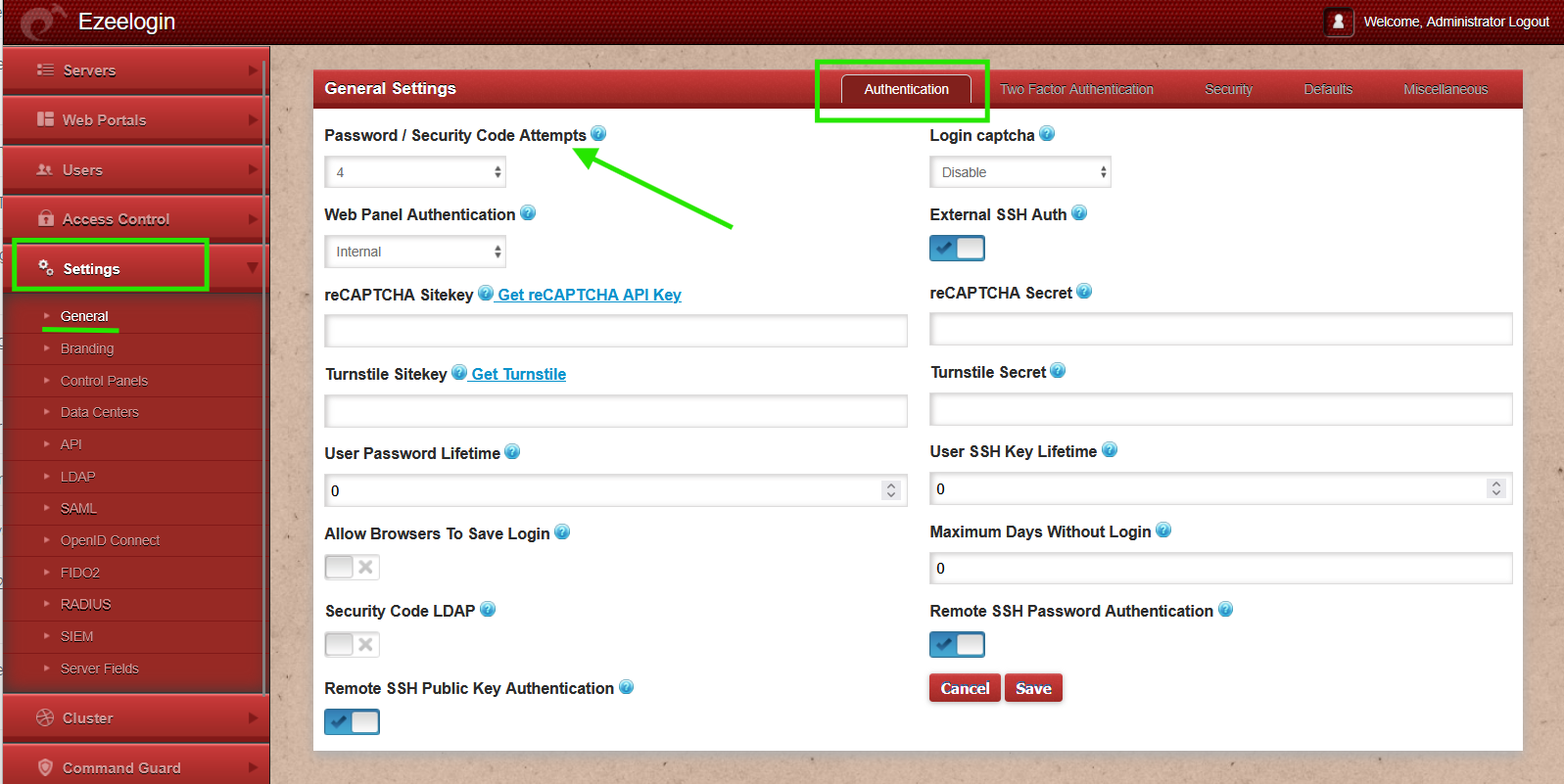
- This can be set under Settings -> General - Authentication -> Password/Security Code Retries.
- If the retries are set to X, then X number of previous passwords will not be allowed when setting a new password.
- The Password / Security Code Attempts setting can be configured from 1 to 5. It specifies the number of failed attempts allowed during a user’s login to Ezeelogin before the account is suspended or locked. This applies to incorrect passwords during web panel login, incorrect security codes during Ezeelogin shell login, and invalid or timed-out 2FA codes during both login methods.
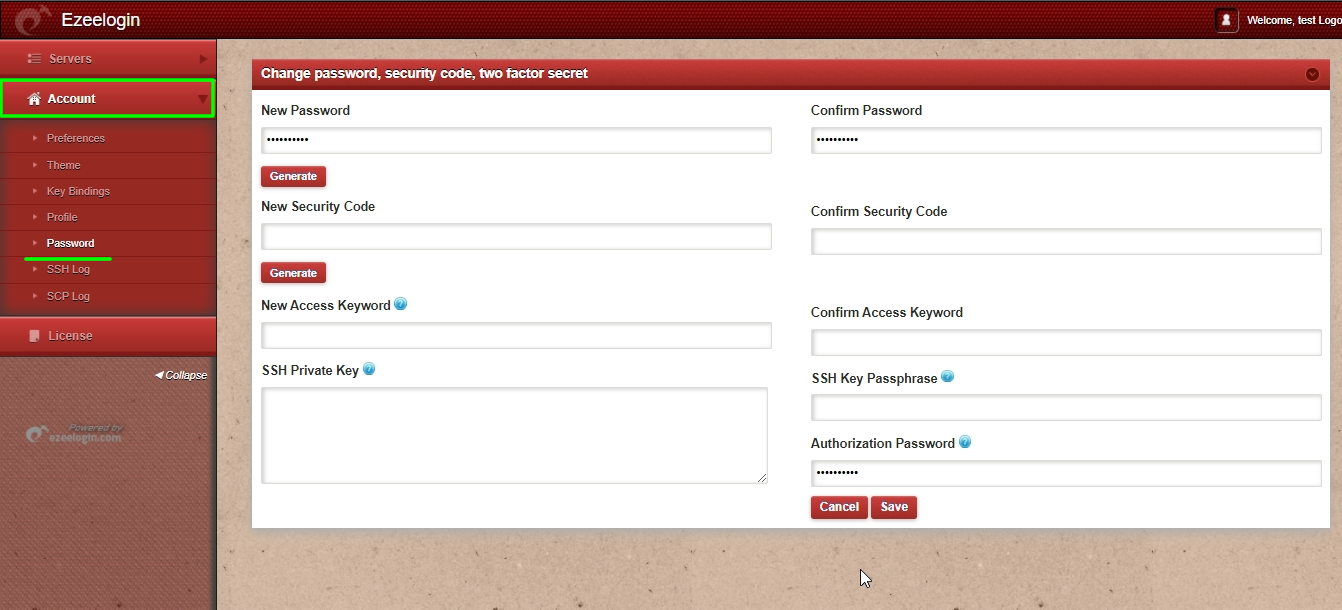
1. User can change their password by navigating under Accounts -> Password.
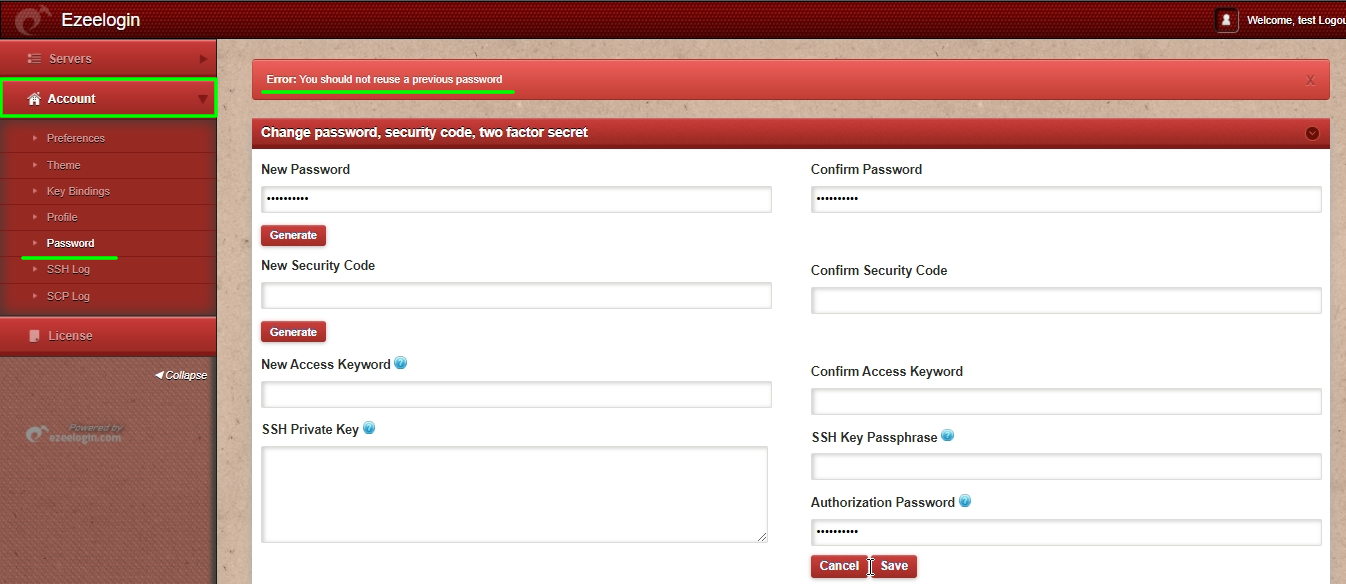
2. Users will get the below error when they reuse the same password.
"Error: You should not reuse a previous password"
How do you force a user to change the password on login? Refer to this article.
Related Articles: