User Credential Synchronization
How to sync user passwords between backend and database
Overview: This article describes the sync system users feature in Ezeelogin, which allows administrators to manually synchronize system user credentials between the application database and the backend environment. The feature helps ensure that authentication data remains consistent across components after system changes or updates.
Note: This feature is available from Ezeelogin version 7.47.0. Refer article to upgrade Ezeelogin to the latest version.
The sync system users feature in Ezeelogin allows synchronization of user credentials between the ezeelogin database and the backend environment. This ensures that authentication remains consistent across both GUI and terminal access after system changes, upgrades, migrations, or fresh installations.
For example, after an upgrade or migration, a gateway user(here, nayana) is able to log in successfully to the Ezeelogin GUI. However, when the same user attempts to log in to the gateway server backend using the same password used for GUI access, authentication fails.
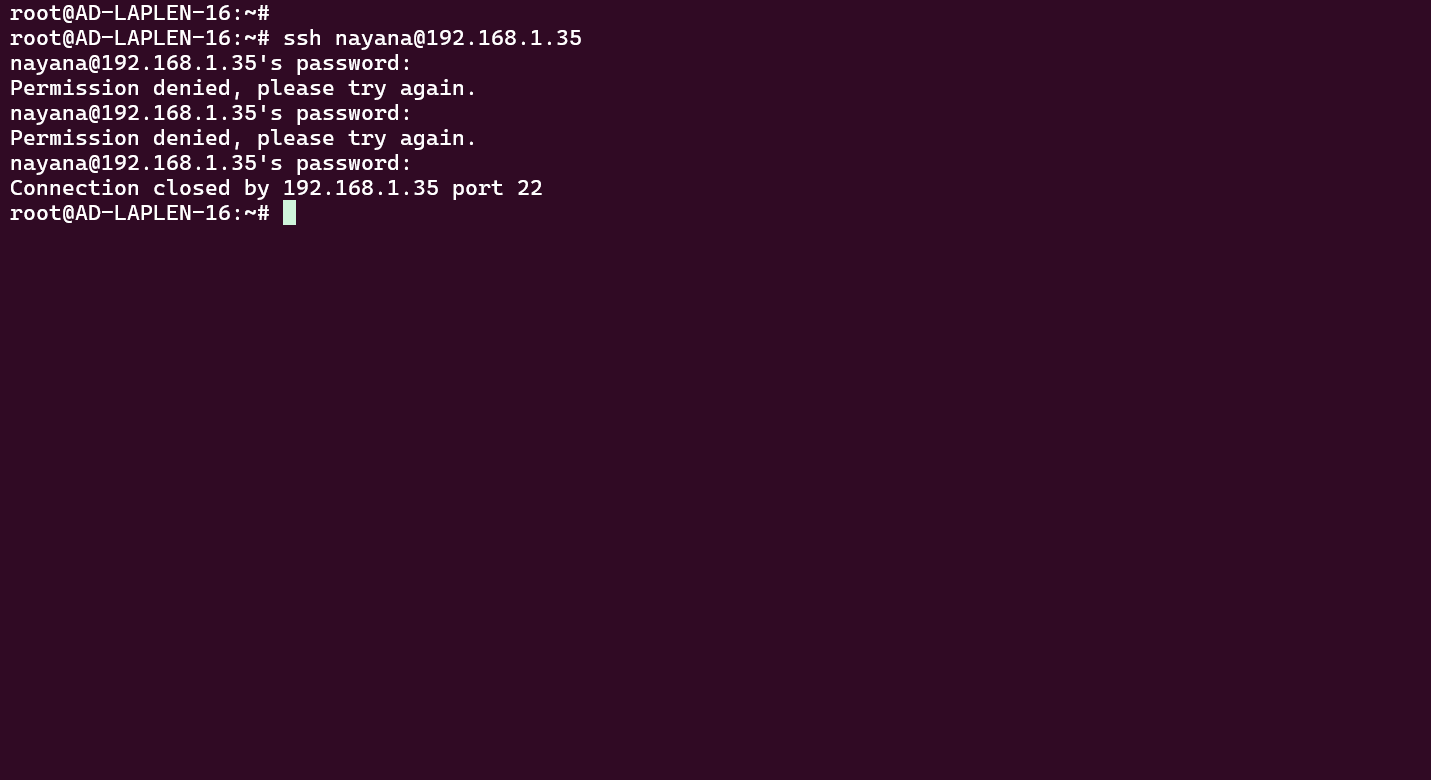
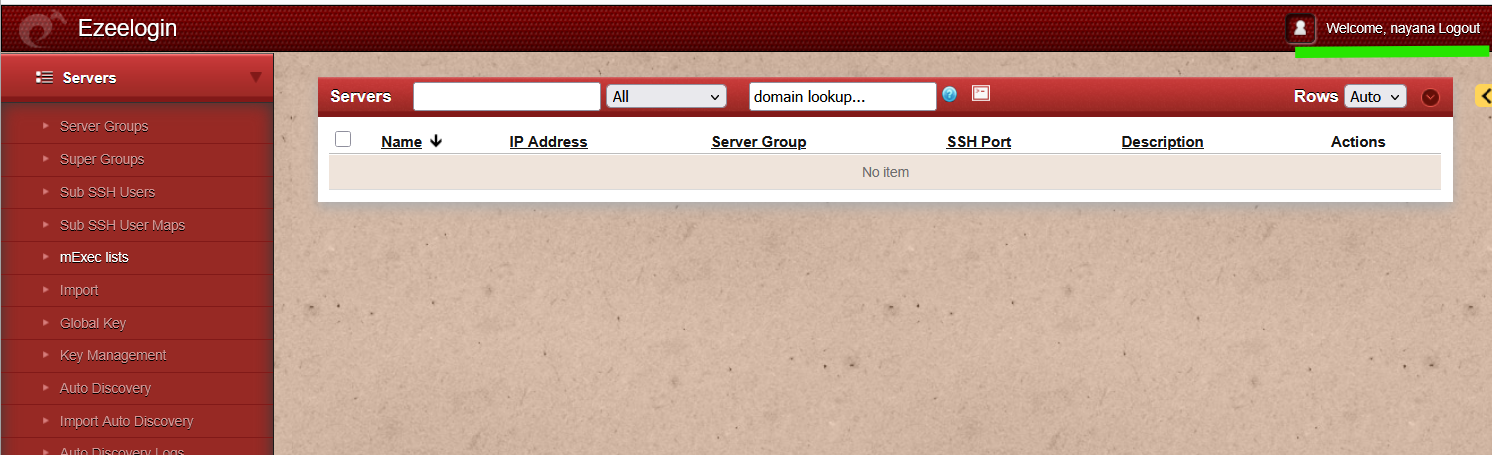
In such cases, running the synchronization command updates the backend credentials to match the database and restores terminal access using the same login details.
Execute the following command on the Ezeelogin gateway server to start the synchronization:
root@Gateway:~# php /usr/local/ezlogin/eztool.php -sync_system_users
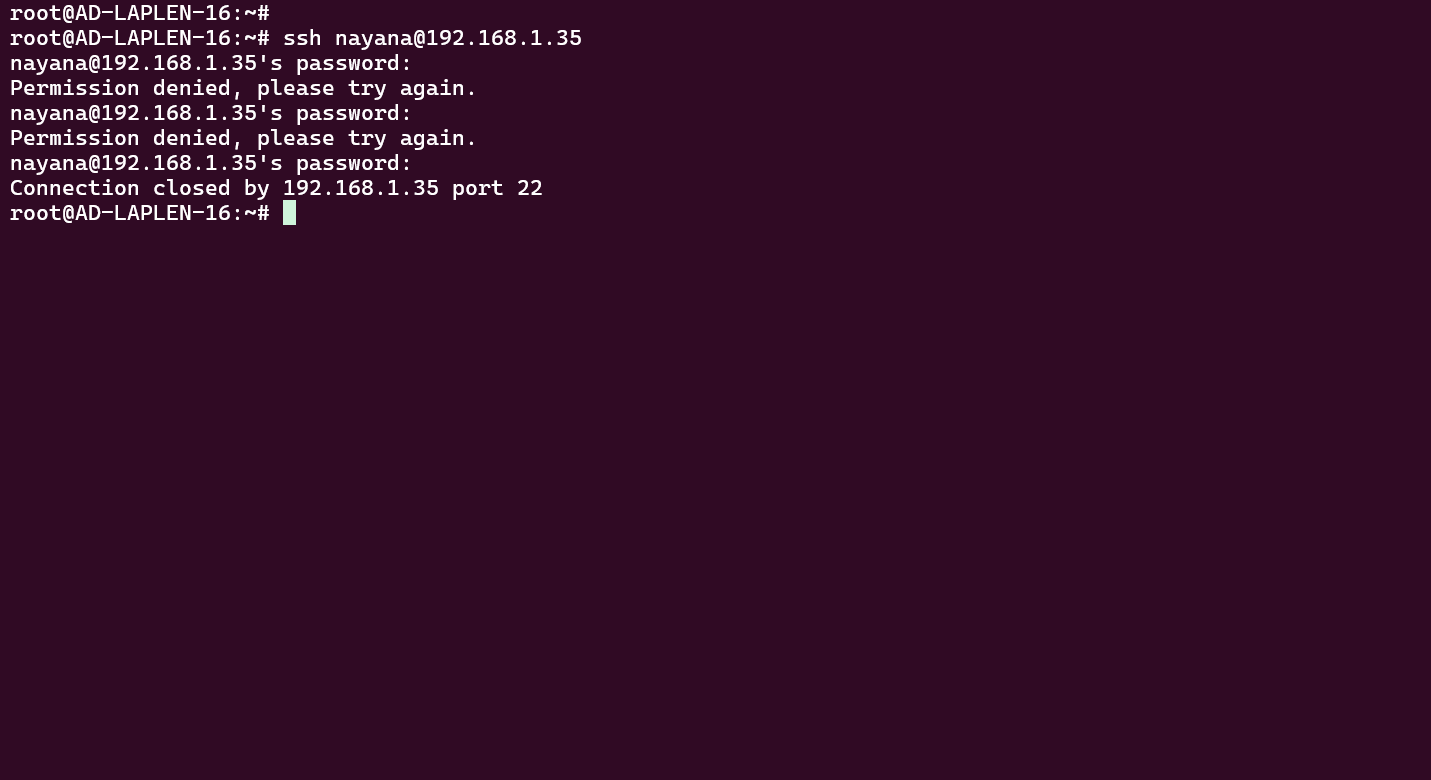
The synchronization process checks existing system users stored in the database and compares them with backend authentication records. If a mismatch is detected, the backend credentials are updated to match the database.
Related Articles:
Different types of Users in Ezeelogin
Add a Linux server or a Linux instance into the Ezeelogin ssh jumphost?
Adding Users Exclusively to Databases