GUI not working after PHP upgrade
How to troubleshoot Ezeelogin GUI access issue after a PHP upgrade?
Overview: This article helps to resolve the issue where the Ezeelogin GUI becomes inaccessible after a PHP upgrade by disabling Gzip compression.
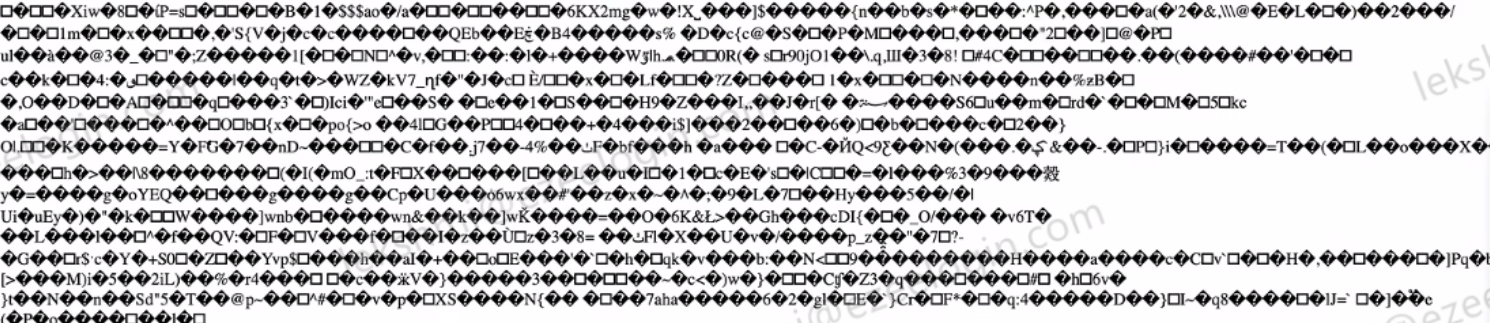
After a PHP upgrade, you may encounter an issue while accessing the Ezeelogin GUI, as shown in the screenshot above. This can occur due to a content encoding issue related to Gzip compression. Follow the steps below to update the Ezeelogin configuration and resolve the issue.
Step 1: Edit the Ezeelogin configuration file located at:
root@gateway:~# nano /usr/local/etc/ezlogin/ez.conf
Step 2: Add the following parameter to the end of the configuration file:
enable_gzip 0
Disabling Gzip compression by adding enable_gzip 0 to the Ezeelogin configuration resolves the GUI accessibility issue after the PHP upgrade.
Related Articles: